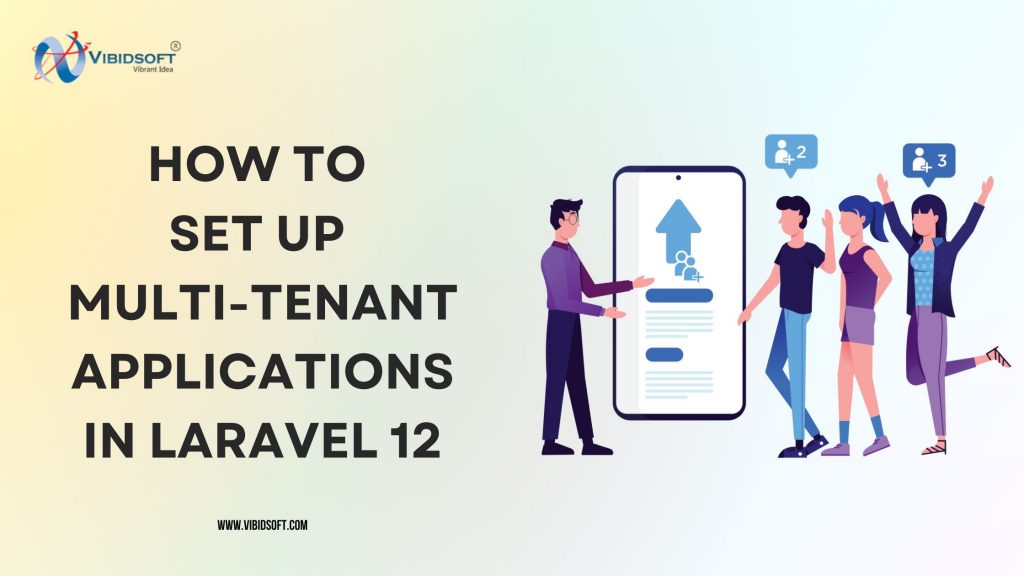
Multi-tenancy lets one Laravel application serve many customers (tenants) while keeping each customer’s data separate. It is the foundation of most SaaS products: one codebase, one deployment, many companies each seeing only their own users, settings and records. This guide explains the three multi-tenancy models, helps you choose the right one, and walks through a working setup in Laravel 12 using both a single database with tenant scoping and the spatie/laravel-multitenancy package with a database per tenant.
What is multi-tenancy in Laravel?
A tenant is a customer account, such as a company, school or store, that uses your application. In a multi-tenant Laravel app, every request is resolved to one tenant (usually by domain or subdomain), and everything the code does during that request (queries, cache, files, queued jobs) is limited to that tenant.
The opposite is single-tenancy: a separate copy of the application for every customer. That is simple at first but becomes expensive to deploy, update and monitor as you grow.
The three multi-tenancy models
| Model | How data is separated | Best for | Trade-offs |
|---|---|---|---|
| Single database, shared tables | A tenant_id column on every tenant-owned table | Many small tenants, MVPs, low cost | A missed scope can leak data; one large database |
| Single database, separate schemas | One PostgreSQL schema per tenant | PostgreSQL apps that need stronger isolation | PostgreSQL-specific; migrations run per schema |
| Database per tenant | Each tenant has its own database | B2B, compliance-heavy or large tenants | More databases to migrate, back up and monitor |
Rule of thumb: start with a single database and tenant_id if you expect hundreds or thousands of small tenants. Choose database-per-tenant when customers demand isolation, need their data exported or deleted cleanly, or vary greatly in size.
Option 1: single database with tenant scoping
This approach needs no package. You add a tenant_id foreign key to tenant-owned tables and make sure every query is filtered automatically.
1. Create the tenants table and add tenant_id
php artisan make:model Tenant -mSchema::create('tenants', function (Blueprint $table) {
$table->id();
$table->string('name');
$table->string('domain')->unique();
$table->timestamps();
});
Schema::table('projects', function (Blueprint $table) {
$table->foreignId('tenant_id')->constrained()->cascadeOnDelete();
$table->index('tenant_id');
});2. Identify the tenant for each request
A middleware looks up the tenant from the host name and stores it in the container:
namespace App\Http\Middleware;

use App\Models\Tenant;
use Closure;
use Illuminate\Http\Request;

class IdentifyTenant
{
    public function handle(Request $request, Closure $next)
    {
        $tenant = Tenant::where('domain', $request->getHost())->firstOrFail();

        app()->instance(Tenant::class, $tenant);

        return $next($request);
    }
}
Register it in bootstrap/app.php (Laravel 11 and 12):
->withMiddleware(function (Middleware $middleware) {
    $middleware->web(append: [\App\Http\Middleware\IdentifyTenant::class]);
})
Free resource
Upgrade and patching checklist
Want this applied to your project? Our engineers will send it with notes for your stack.
3. Scope every query automatically
A trait adds a global scope and fills tenant_id when records are created:
namespace App\Models\Concerns;

use App\Models\Tenant;
use Illuminate\Database\Eloquent\Builder;

trait BelongsToTenant
{
    protected static function bootBelongsToTenant(): void
    {
        static::addGlobalScope('tenant', function (Builder $query) {
            if (app()->bound(Tenant::class)) {
                $query->where($query->getModel()->getTable() . '.tenant_id', app(Tenant::class)->id);
            }
        });

        static::creating(function ($model) {
            if (app()->bound(Tenant::class) && empty($model->tenant_id)) {
                $model->tenant_id = app(Tenant::class)->id;
            }
        });
    }
}
Add use BelongsToTenant; to every tenant-owned model. Now Project::all() only returns the current tenant’s projects.
Watch out for these leaks
- Raw queries and the query builder (
DB::table()) bypass Eloquent global scopes. Add thetenant_idcondition yourself or avoid raw queries for tenant data. - Validation rules such as
uniqueandexistsmust include the tenant:Rule::unique('projects')->where('tenant_id', $tenantId). - Queued jobs and console commands run without an HTTP request, so pass the tenant ID to the job and restore it in
handle(). - Cache keys and file paths should be prefixed with the tenant ID.
Option 2: database per tenant with spatie/laravel-multitenancy
The spatie/laravel-multitenancy package keeps tenants in a “landlord” database and switches the database connection, cache prefix and other settings whenever a tenant becomes current.
1. Install and publish the config
composer require spatie/laravel-multitenancy
php artisan vendor:publish --provider="Spatie\Multitenancy\MultitenancyServiceProvider" --tag="multitenancy-config"
php artisan vendor:publish --provider="Spatie\Multitenancy\MultitenancyServiceProvider" --tag="multitenancy-migrations"
2. Configure landlord and tenant connections
In config/database.php, define two connections. The tenant connection has no database name; the package fills it in for the current tenant.
'connections' => [
    'landlord' => [
        'driver' => 'mysql',
        'host' => env('DB_HOST', '127.0.0.1'),
        'database' => env('DB_LANDLORD_DATABASE', 'landlord'),
        'username' => env('DB_USERNAME'),
        'password' => env('DB_PASSWORD'),
    ],
    'tenant' => [
        'driver' => 'mysql',
        'host' => env('DB_HOST', '127.0.0.1'),
        'database' => null,
        'username' => env('DB_USERNAME'),
        'password' => env('DB_PASSWORD'),
    ],
],
Then in config/multitenancy.php:
'tenant_finder' => \Spatie\Multitenancy\TenantFinder\DomainTenantFinder::class,

'switch_tenant_tasks' => [
    \Spatie\Multitenancy\Tasks\PrefixCacheTask::class,
    \Spatie\Multitenancy\Tasks\SwitchTenantDatabaseTask::class,
],

'tenant_database_connection_name' => 'tenant',
'landlord_database_connection_name' => 'landlord',
'queues_are_tenant_aware_by_default' => true,
3. Migrate the landlord database
php artisan migrate --path=database/migrations/landlord --database=landlordThe tenants table stores each tenant’s name, domain and database.
4. Make models use the right connection
Tenant models use the UsesTenantConnection trait; shared models such as plans or the tenant list use UsesLandlordConnection:
use Spatie\Multitenancy\Models\Concerns\UsesTenantConnection;

class Project extends Model
{
    use UsesTenantConnection;
}
5. Protect tenant routes
Route::middleware(['web', 'tenant'])->group(function () {
    Route::get('/dashboard', DashboardController::class);
});
Define the tenant middleware group with the package’s NeedsTenant and EnsureValidTenantSession middleware, so a request without a valid tenant is rejected and a user cannot reuse a session on another tenant’s domain.
6. Run migrations for every tenant
php artisan tenants:artisan "migrate --database=tenant"When you onboard a new customer, create their database, insert the tenant row in the landlord database, then run the same command for that tenant.
Domains and subdomains
- Subdomains (
acme.yourapp.com) are easiest: one wildcard DNS record and one wildcard SSL certificate. - Custom domains (
app.acme.com) need the customer to point DNS at your servers and an automated way to issue certificates, for example a reverse proxy with automatic TLS or a managed edge service. - Store every domain on the tenant record so the tenant finder can resolve it.
Production checklist for multi-tenant Laravel apps
- Isolation tests: automated tests that create two tenants and assert one can never read or modify the other’s data.
- Tenant-aware queues: every job knows its tenant, and failed jobs can be retried in the right context.
- Cache, sessions and storage prefixed or separated per tenant.
- Migrations at scale: run tenant migrations in batches with monitoring, and make migrations backwards compatible during deploys.
- Backups and restores per tenant if you use database-per-tenant, including a tested restore for a single customer.
- Per-tenant limits on API rate, storage and seats, tied to the subscription plan.
- Observability: include the tenant ID in logs and error reports so you can debug one customer quickly.
Which package should you use?
- spatie/laravel-multitenancy is deliberately small and unopinionated: it switches context and leaves the rest to you. Good for teams that want control.
- stancl/tenancy (Tenancy for Laravel) is more automatic: it handles database creation, tenant-aware cache, filesystems and queues out of the box. Good for teams that want more features built in.
- No package (single database with global scopes) is often the simplest choice for early-stage SaaS products.
Frequently asked questions
Does Laravel 12 support multi-tenancy out of the box? Laravel has no built-in multi-tenancy, but its middleware, global scopes, database connections and queue system make it straightforward to add yourself or with a package.
Single database or a database per tenant? Choose a single database for many small tenants and lower cost. Choose a database per tenant for stronger isolation, large customers or compliance requirements.
Is spatie/laravel-multitenancy compatible with Laravel 12? Yes, current releases of the package support recent Laravel versions. Check the package’s composer requirements for your exact version.
How do I identify tenants by domain? Store each tenant’s domain and resolve it from the request host, either with your own middleware or the package’s DomainTenantFinder.
Can queued jobs be tenant aware? Yes. With spatie/laravel-multitenancy set queues_are_tenant_aware_by_default to true; without a package, pass the tenant ID into each job.
Building a multi-tenant SaaS on Laravel?
Vibidsoft designs and builds multi-tenant Laravel platforms, from tenant onboarding and subscription billing to custom domains and isolation testing. See our Laravel development services and custom software development, or talk to our team about your SaaS architecture.